Google's Answer to Pixel Face Unlock in the Dark: A Brighter Screen
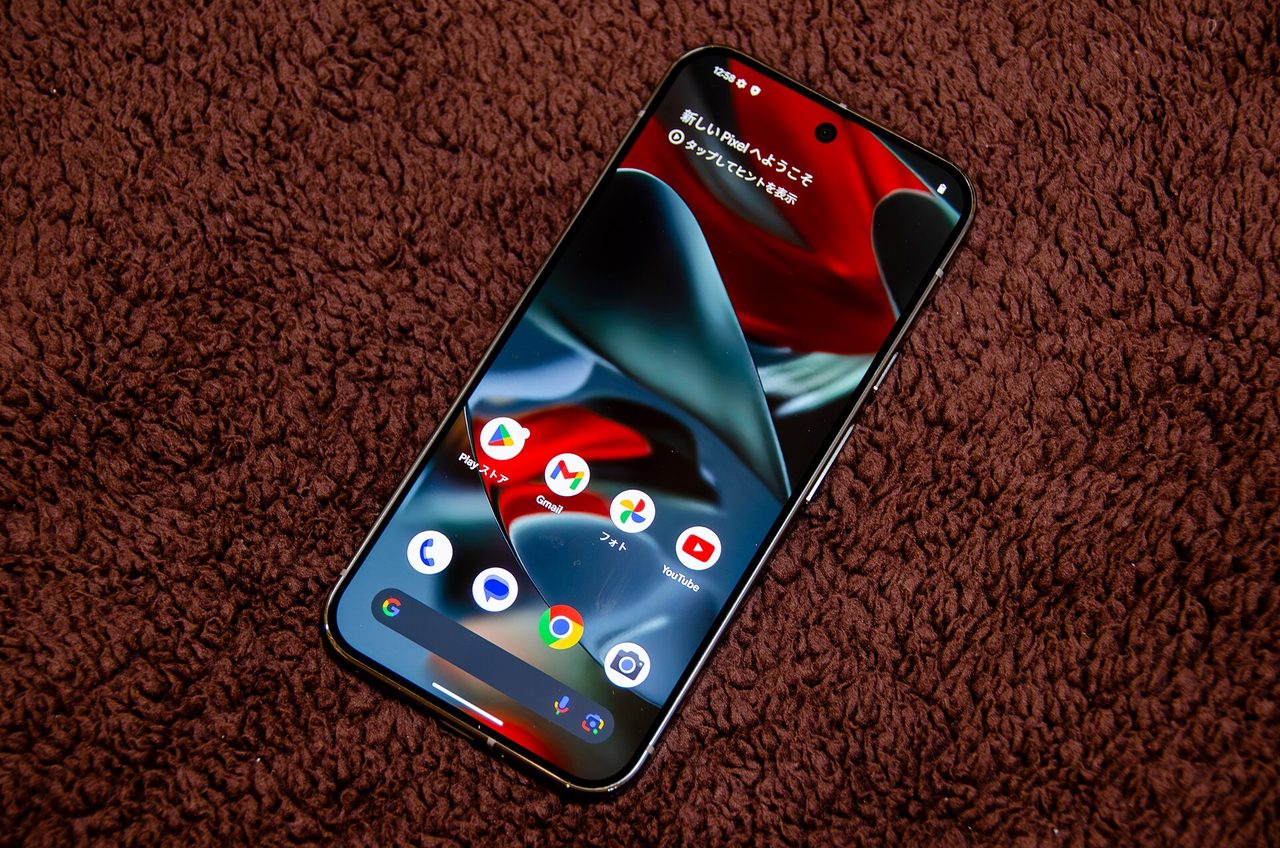
Photo: D.328 / CC BY-SA 4.0 · via Wikimedia Commons
Google's Answer to Pixel Face Unlock in the Dark: A Brighter Screen
When the Lights Go Out, Pixel Stops Recognizing You
Google's own support documentation concedes that Face Unlock on Pixel can fail when there isn't sufficient light, or when you wear a face covering or sunglasses. The everyday version of the problem is blunt: reach for the phone in a dark bedroom, the front camera cannot make out your face, and the only way in is a PIN or pattern. For anyone who keeps a phone on the nightstand, this is an everyday irritation rather than an edge case.
Google's Fix Is to Light Up the Screen
Teardowns by 9to5Google and Android Authority point to an option titled "Brighten screen in low light" arriving in Android 17 QPR3 Beta 2. The description Google wrote for it is plain: automatically boost screen brightness so Face Unlock works in dim lighting. Android Authority stresses that this has nothing to do with Google's more advanced and more secretive Project Toscana facial recognition effort. It is simply the screen doing the work.
The Switches Hide in Beta Code
Android Authority first found code references to a feature called "Face Active Illumination" in Android 17 QPR3 Beta 1, then filled in the interface copy in Beta 2. According to 9to5Google, one of the strings reads "The device must support face active illumination," which suggests this is a toggle that needs both hardware and software support rather than something every Pixel will pick up automatically.
Two Brightness Ends, Four Scenarios
Android Authority reports that the brightness slider runs from a "Comfort" setting to a "Reliable" one. Comfort trades brightness for not blinding yourself, while Reliable pushes the display higher in exchange for a more dependable read. Android Headlines notes the slider may offer three brightness levels in total. The separate toggles cover complete darkness, bedtime mode, Do Not Disturb, and driving. With complete darkness switched off, the phone only brightens when part of your face is already visible.
Accessibility Settings May Change Temporarily
The prompt text quoted by 9to5Google says that when the feature is turned on, certain accessibility settings may temporarily behave differently, including extra dim, remove animations, and color inversion. Android Police adds that the code itself does not reveal what technology the feature would use, and that Google has not confirmed whether it will ship publicly at all.
The Real Answer Still Lives in the Hardware
Both Tech Advisor and TechSputit point to Project Toscana, a separate Google effort modeled on the infrared dot projector used by Apple's Face ID, which could recognize a face in complete darkness without needing a glowing display. TechSputit argues that if an infrared projector does arrive, a Pixel 12 series device or later would be the first to reach parity with the iPhone 15's Face ID. 9to5Google has separately traced earlier hints to the Tensor G6 chipset planned for the Pixel 11, whose image signal processor may support under-display infrared.
Who Gets It First
heise online reports that Android 17 QPR3 Beta 2 carries build number DP11.261002.005 and installs on the Pixel 6a and newer devices, including the October 5, 2026 security patch. The Pixel 6 and 6 Pro received their last major update with Android 17 QPR1. 9to5Google says the QPR3 preview is running toward a March 2027 launch, while The Verge cautions that this remains a rumor stage with no confirmed release date from Google.
What To Do Until Then
Until the feature ships, Google's own guidance is to fall back on a PIN, pattern, or password, and to enroll fingerprint unlock as well, since not every Pixel model carries a fingerprint sensor.
Sources
- 9to5Google: Google Pixel's solution for Face Unlock in the dark is a bright screen
- Android Authority: Google could soon solve Pixel's biggest face unlock flaw
- Android Police: Google May Fix Pixel Face Unlock in the Dark
- The Verge: A rumored Pixel feature could make it easier to use Face Unlock in the dark
- Tech Advisor: Google Pixel's Face ID-rivalling upgrades can't come soon enough